The Best AI Prompts for Coloring Pages (Tested Formulas)
A working collection of AI prompt formulas for coloring pages: the four-part anatomy, why generic prompts fail, tested formulas for kids, adults, mandalas, animals and seasonal themes, plus a method for testing and customizing your own.
The gap between a mediocre AI coloring page and a great one is almost entirely in the prompt. Same model, same subject — one prompt gives you a shaded illustration you can't color, another gives you a clean, closed, perfectly-detailed page. This guide gives you the formulas that produce the second kind, and the reasoning so you can write your own.
The Anatomy of a Working Prompt
Every reliable coloring page prompt has four parts. Missing any one of them is a common failure point.
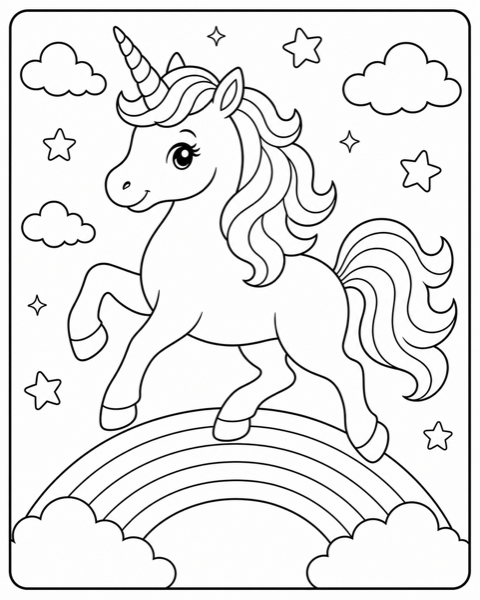
- •Subject — what you want: "a baby unicorn."
- •Setting or action — context that makes it specific: "standing in a flower garden."
- •Style — the artistic genre: "cartoon style" or "mandala pattern."
- •Technical constraints — the non-negotiable rules: "black and white coloring page, clean closed outlines, no shading, no color."
The first three parts shape what the page looks like. The fourth part is what makes it a coloring page at all. Most failed prompts skip the fourth part, or include it weakly.
Why "Coloring Page" Alone Fails
If you type only "unicorn coloring page," the model interprets the genre but applies its default picture-making instincts: it adds shading for depth, gradients for richness, and decorative texture for interest. All three are enemies of a colorable page. You have to explicitly forbid them, because they are the model's idea of "good."
The constraint block that reliably overrides those instincts:
Tip: "Black and white coloring page. Pure black outlines on pure white paper. No shading, no grayscale, no gradients, no color. All outlines fully closed with no open endpoints. Uniform line thickness."
Every formula below includes this block. Do not remove it to save words — it is the most important part.
Formulas for Kids
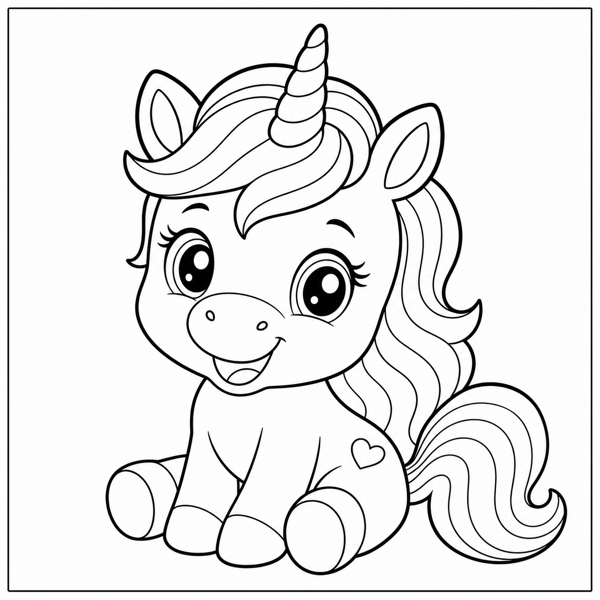
Kids pages need bold lines, simple shapes, and moderate detail. The keywords that reliably produce this: "bold outlines," "simple large shapes," "for young kids."
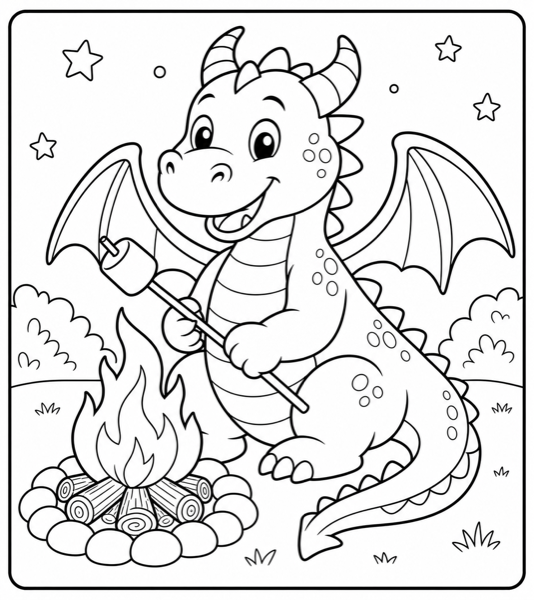
- •"A friendly T-Rex smiling, cartoon style, bold outlines, simple large shapes, coloring page for young kids, no shading, no color, closed outlines."
- •"A cute puppy wearing a party hat, kawaii style, big eyes, bold outlines, simple shapes, toddler coloring page, no shading, no color."
- •"A smiling rocket ship among stars, cartoon style, bold outlines, large simple regions, coloring page for kids, no shading, no color."
Formulas for Adults
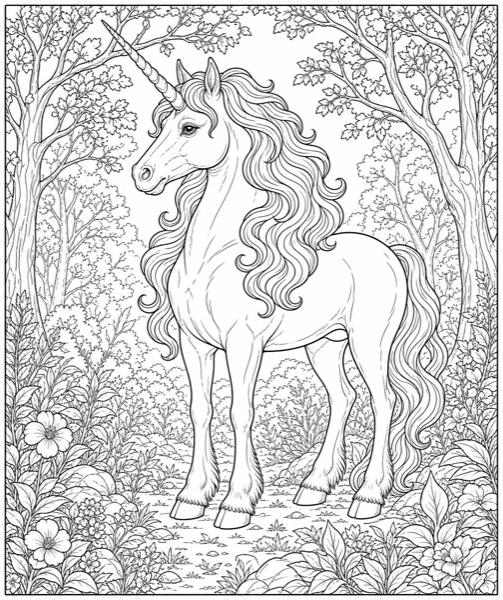
Adult pages need fine lines, high detail, and intricate patterns. Keywords: "intricate," "highly detailed," "thin clean lines," "meditative."
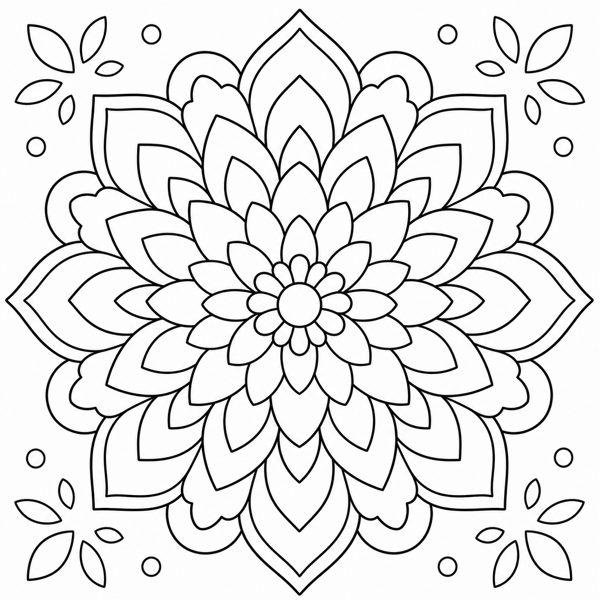
- •"A lotus flower mandala, perfectly symmetrical, concentric rings of intricate detail, thin clean lines, adult coloring page, no shading, no color, closed outlines."
- •"A bouquet of roses in a vase, realistic botanical style, fine detailed outlines, elegant, adult coloring page, no shading, no color."
- •"A majestic dragon guarding treasure, fantasy style, ornate scales and wings, highly detailed, adult coloring page, no shading, no color."
Formulas by Theme
Animals
Template: "A [animal] in a [setting], [style] style, [line weight] outlines, coloring page, no shading, no color, closed outlines."
Example: "A monarch butterfly on a flower, realistic style, thin outlines, intricate wing patterns, coloring page, no shading, no color, closed outlines."
Mandalas and patterns
Template: "A [theme] mandala, perfectly symmetrical, concentric rings of detail radiating from center, clean lines, coloring page, no shading, no color."
Example: "A geometric mandala, perfectly symmetrical, concentric rings of triangles and circles, clean lines, coloring page, no shading, no color."
Seasonal
Template: "A [holiday subject], festive [style] style, [audience] detail level, coloring page, no shading, no color."
Example: "A decorated Christmas tree with gifts, cartoon style, moderate detail for kids, coloring page, no shading, no color."
How to Customize Any Formula
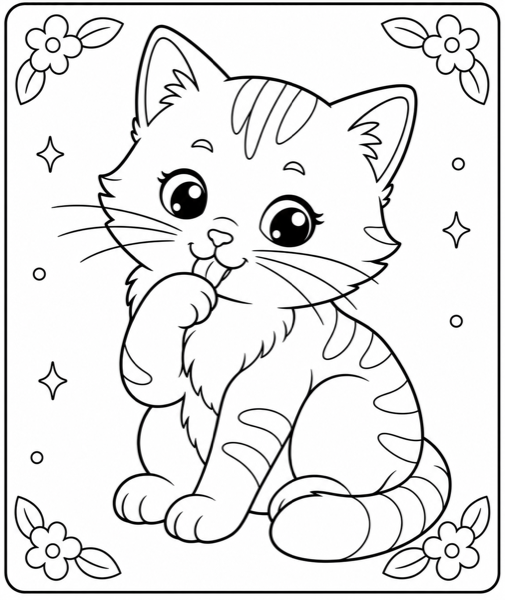
- •Swap the subject, keep the structure: change "unicorn" to "dragon," "cat," or "owl" and everything else still works.
- •Shift the detail: add "minimal detail, large regions" to push toward kids, or "intricate, highly detailed" to push toward adults.
- •Change the style word: cartoon, kawaii, realistic, fantasy, classic — each one transforms the output while the constraints stay constant.
- •Add a composition instruction: "centered single subject," "full scene with simplified background," or "perfectly symmetrical mandala."
A Method for Testing Your Own Prompts
When you write a new formula, test it rigorously before trusting it:
- •Generate the same prompt three times. A good formula produces consistently good pages; a fragile formula gives one good result and two bad ones.
- •Check the failure modes: any gray? open lines? wrong detail level? Note which constraint to strengthen.
- •Change only the subject and regenerate. If quality drops, your formula is over-fit to the original subject.
- •Keep a running file of formulas that pass, tagged by audience and theme. This becomes your personal prompt library.
Tip: A formula that works across five different subjects is worth more than five formulas that each work once. Optimize for robustness.
Skip the typing: InkPage's Quick Start recipes have these formulas built in, and the Customize Settings let you adjust each part live. Generate a page, then compare it to what you would have prompted by hand.
Open the Free Generator →Related Reading
For the full quality-check workflow that goes with these prompts, read the complete guide to making coloring pages with AI. For turning a batch of good pages into a product, see the KDP publishing guide.